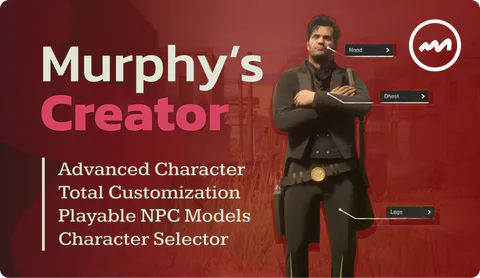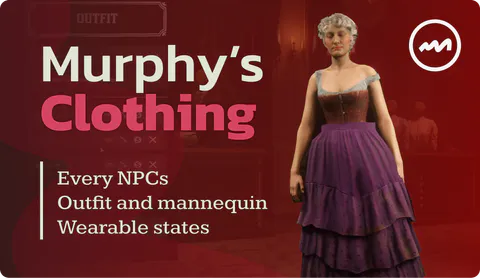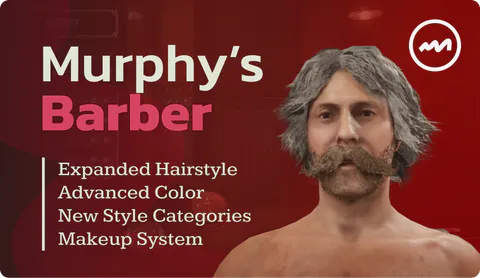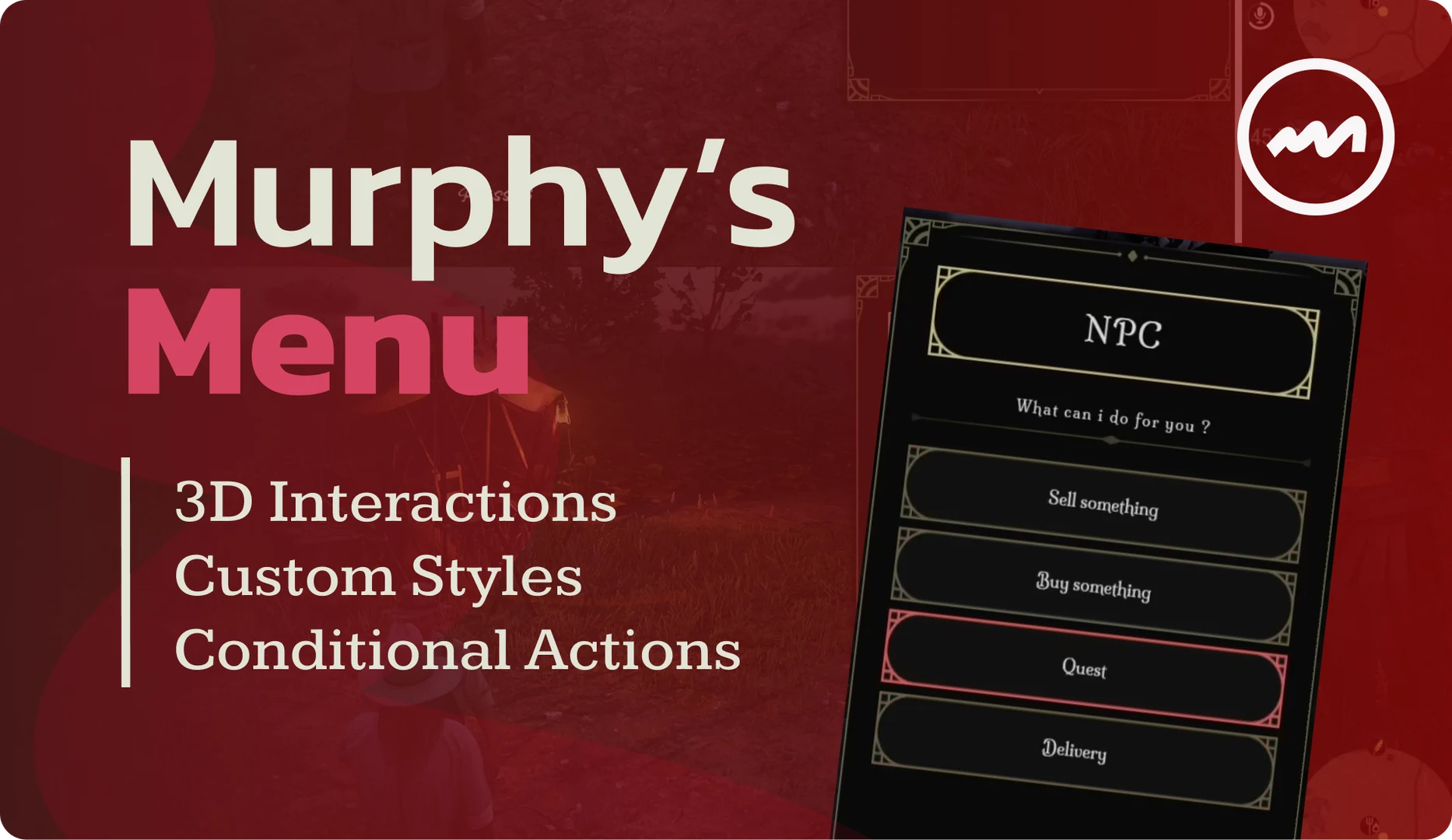
Build clear action lists for your RedM resources with Murphy Menu. Present options in a familiar vertical layout, with a highlighted selection and a description that explains the current action.
More than a list of buttons
- Actions and descriptions: give each option a label, value and supporting text.
- Numeric sliders: select quantities or settings with configurable limits and steps.
- Text input: let integrations request a typed value.
- Item imagery: show images and additional information supplied by your script.
One library for your resources
Client callbacks handle selection, cancellation and changes. Your scripts can update menu titles and entries while a menu is open.
What is included?
This is the vertical menu library, separate from Murphy Radial Menu. Your resources provide the gameplay actions and Menu presents the choices to the player. The gallery shows the actual interface with example data.
Installation
Keep the complete murphy_menu resource, including its HTML assets, and start it before resources using the menu API.